
Beyond patrol, the department’s work is solving cases. Sergeants and above review incident reports, and when one needs follow-up, detectives are assigned alongside the officers who filed it. Tracking down witnesses, taking statements, pulling CCTV, every officer involved is encouraged to investigate.
The filing cabinets
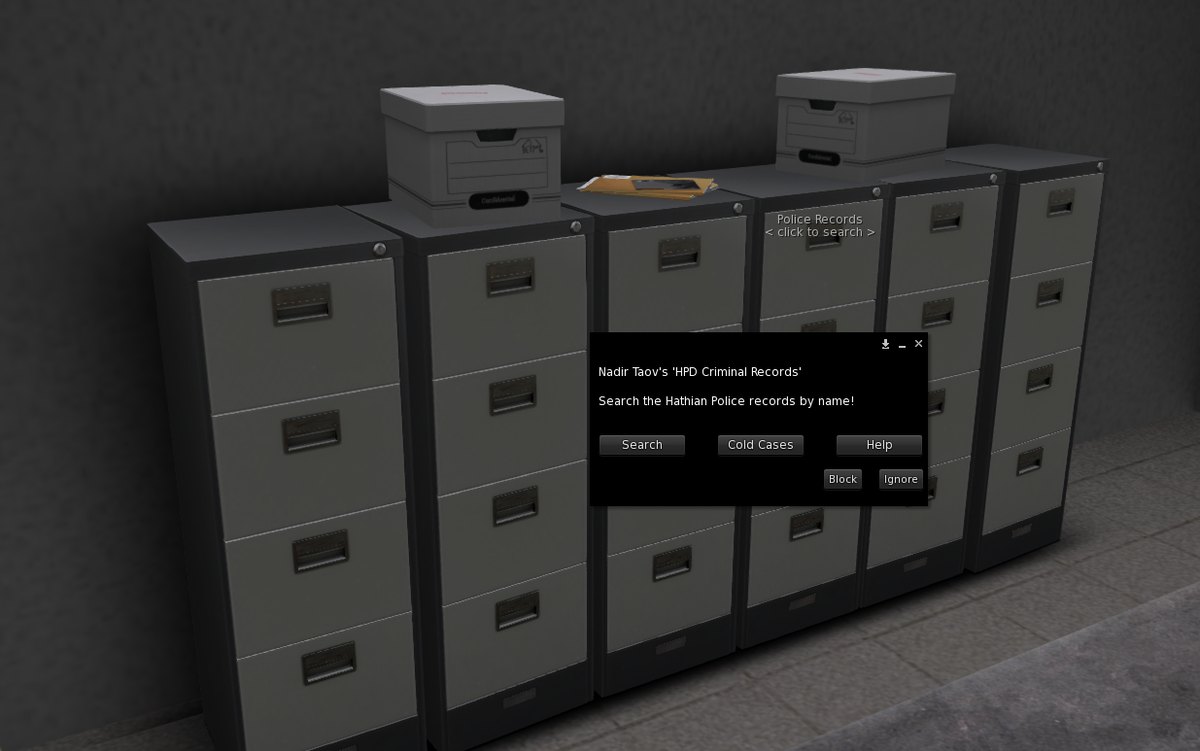
Archived cases live in the filing cabinets in one of the station offices. Touch them to search the records or open the cold cases.
Search by the account name of a suspect, a victim or an officer, and you will get their most recent reports, though not their full history. You can’t search by case number, so you need the name of at least one person involved.
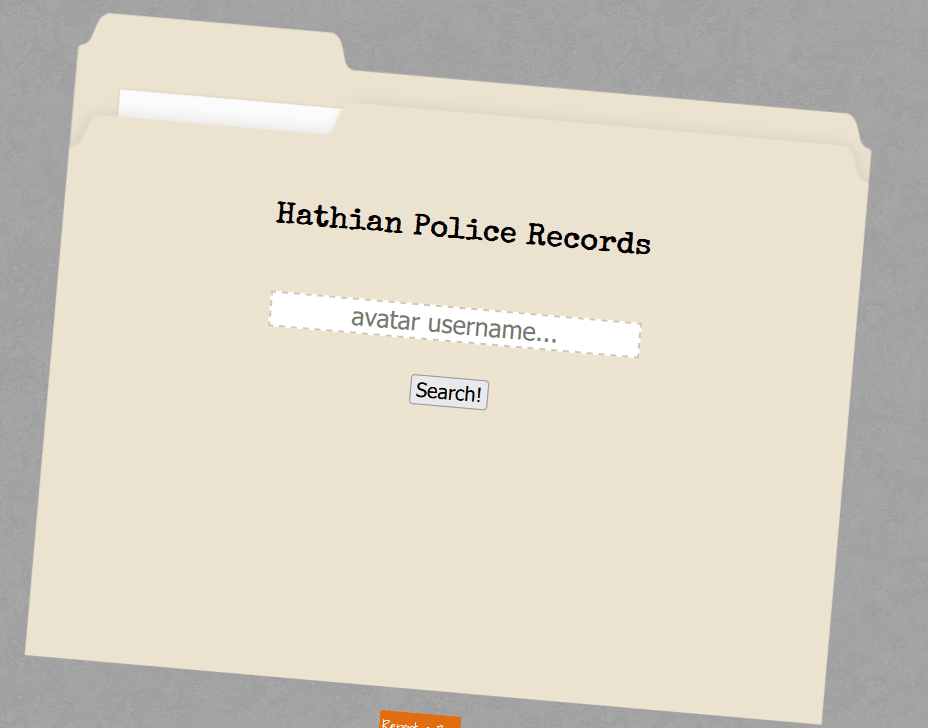
Some players have been around a long time and may have rerolled their characters. Check that the account name and the character name add up, and that your character actually knows the name, either from when the report was filed or from an investigation played out since.
Cold cases
A case nobody updates for a long stretch turns cold on its own. Cases also go cold for lack of evidence or leads, a poorly written report, or any other in-character reason an investigation ends. Cold cases are archived and searchable. The reporting officer, or a Sergeant and above, can add to a cold case or reopen it. Reopen one only when there is new roleplay or evidence, not to dig up dead ends.
The case box
The case box at the station holds every active case. It is where cases are assigned to detectives, where you see your own open cases, and where you add to the investigations you are on. Touch it and it tells you how many cases need review and how many are yours.
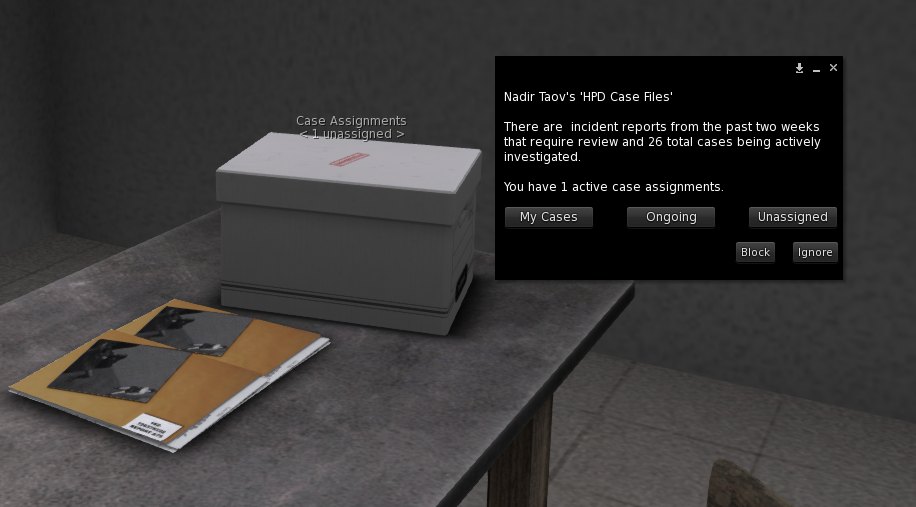
- My cases. Every case you have filed. Close one here when it is solved or needs nothing more, but never close an arrest report while the inmate is still inside. Closing it takes them off the inmate roster, and fixing that means filing a new report. Close arrest reports only after the inmate has served their time and been released.
- Assigned cases. Cases detectives have been assigned to. Anyone can work them, but only the assigned officers and the reporting officer can add to them, so if you have found something, bring it to them or to a Sergeant or higher. Even if your character isn’t a detective yet, a case you filed may be assigned to you.
- Unassigned cases. Freshly filed reports and open patrol arrests, cases where the suspect is fully known and no detective work is needed. These are patrol’s priority. Go bring the suspect in.
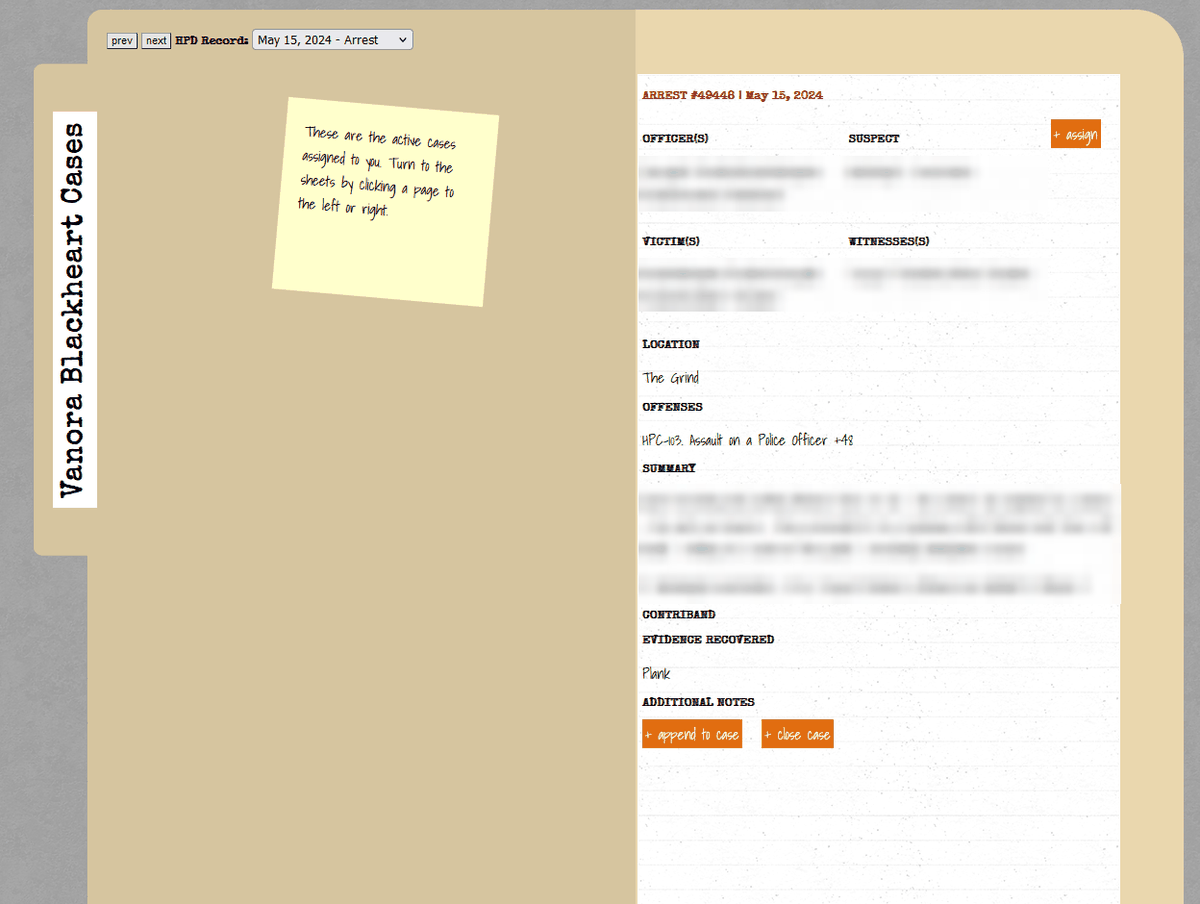
Every case opens as a folder, and you turn the pages to move between cases.
Adding to a case
Took a statement, found new evidence, finally got a confession out of someone with a low pain tolerance? Append it to the case.
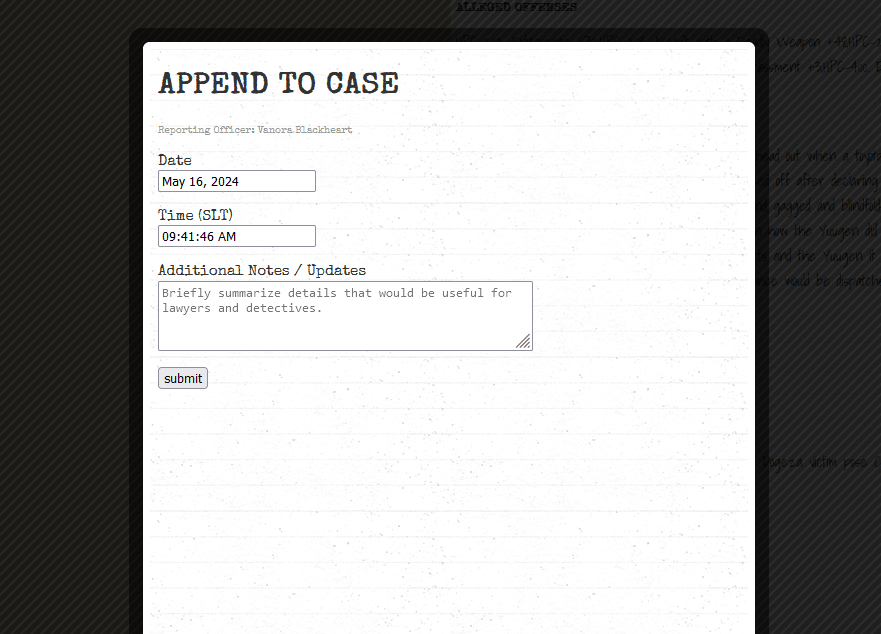
Closing out
Close an investigation when it ends, at the latest when the character is released from jail or transferred to the prison in Port Laveau. A case that has gone cold goes into the cold file, with a note on why.
Assigning detectives
Assigning a case falls to the Investigation Lieutenant, and to Sergeants and above. A major case takes a Lieutenant or higher. Choose assign on an unassigned case and pick one or two detectives, and the officers already on the report are signed on to support them. Everyone involved is notified in world that the case is open, and can follow it from the case box.
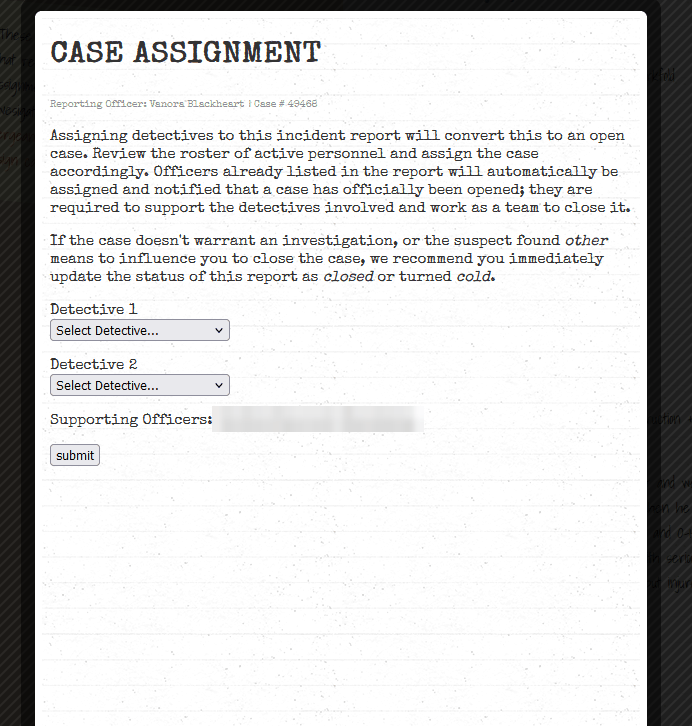
Detectives usually carry no more than three main cases, because there is a lot to do, witnesses to question and evidence to gather. When crime runs high they take more, and when it is quiet they may be paired up to work as a team.
Who can read the files
The HPD blotter is OOC information for anyone outside the department. In character, only the HPD can see open cases. Defense lawyers get no access until a case is closed and goes to court, or the Civil Services lead releases it. When in doubt, ask the assigned officer whether they are done with the report. The HPD discloses nothing to lawyers or the press except through the media liaison, officially at least.
That is the whole of the department’s paperwork. Questions go to any senior officer or member of the brass in world. Write the reports that hand someone else their next scene.
Written with the department by Vanora Blackheart, Krystal O’Neil and Blue.